
For accountants
Books that are already posted when you arrive
The front desk, the bar and the store post to a real set of books. You review, reconcile and report, instead of keying.
In practice
An accountant's week with Xenia
Start
Your worklist
The accountant's home shows folios waiting to be posted, bank lines not yet matched, and outstanding balances.
AccountingPost
Folios to the ledger
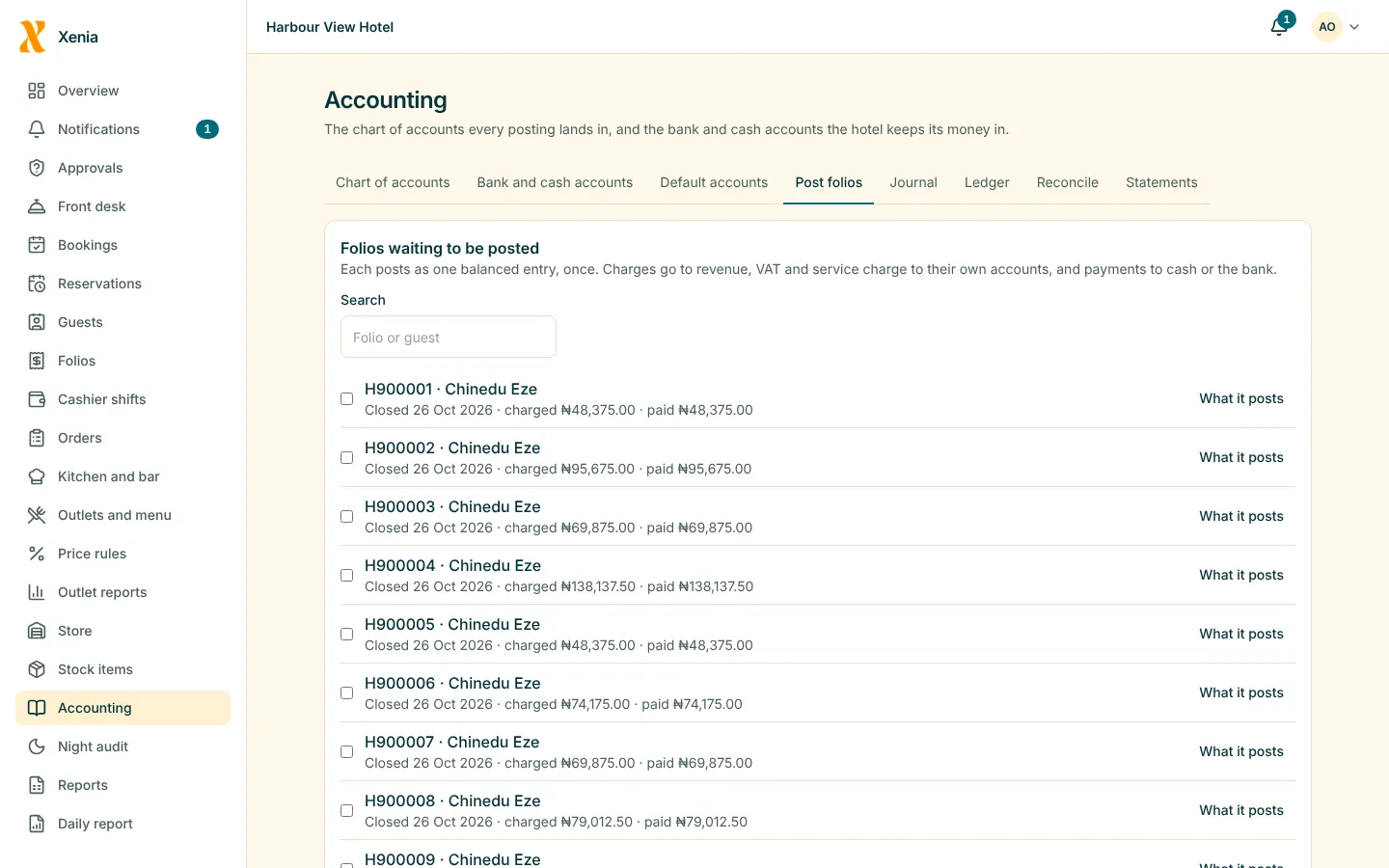
Post one folio or many. Each posts once, to the account its department maps to.
AccountingAdjust
Vouchers
Enter and post balanced journals, attach documents, and reverse a posted one when needed.
AccountingReconcile
Match the bank
Import a statement, match it to the ledger and see the differences. Flutterwave settlements match guest payments.
AccountingClose
Statements
Trial balance, income statement, balance sheet and VAT report for any period, exported to CSV or PDF.
Accounting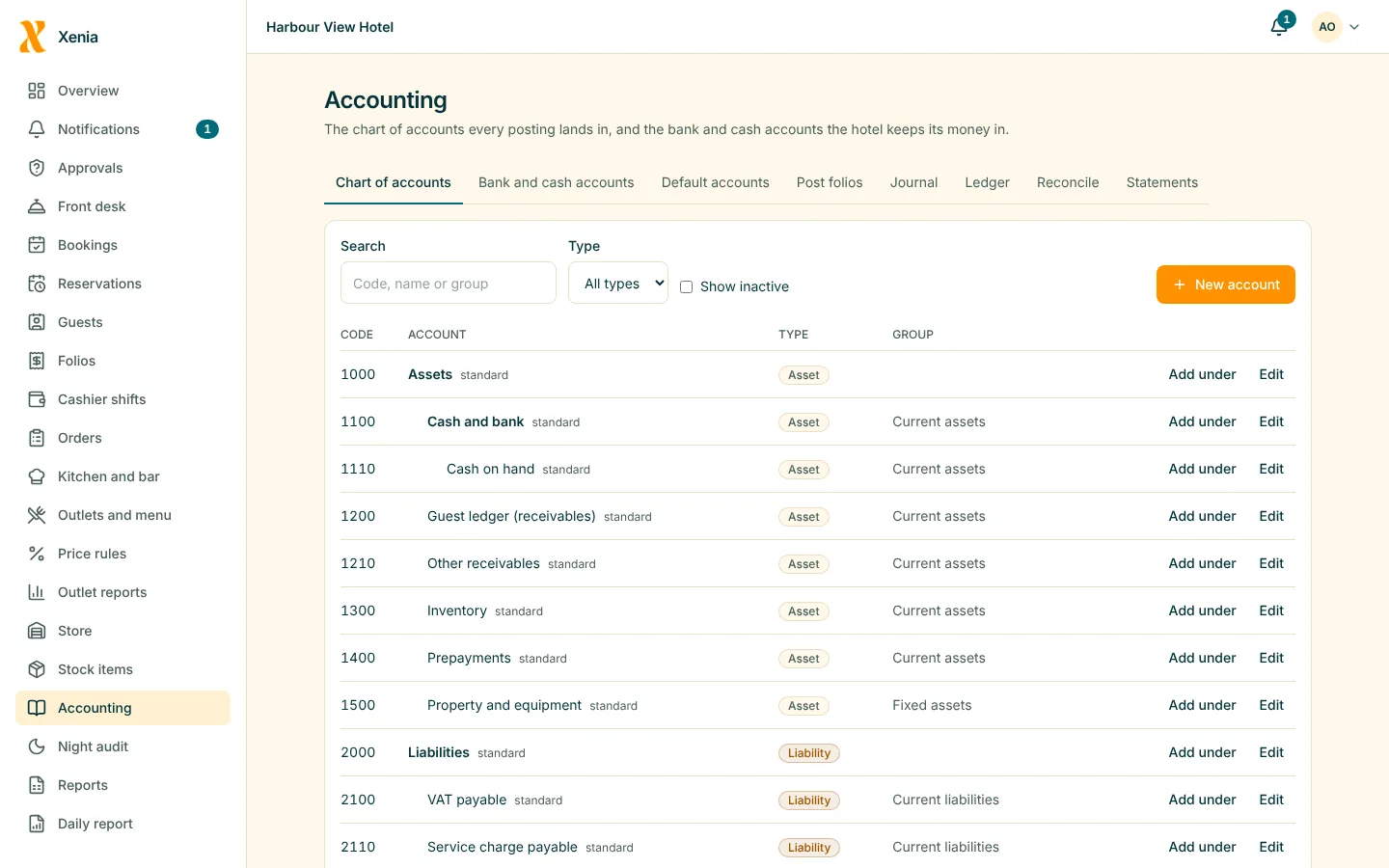
What matters most
What you get
Supplier balances in the books
Purchases and what you owe each supplier flow to the ledger.
Inventory and storeDrill-down
From any ledger line to the folio or journal it came from.
AccountingA trail you can rely on
Posted entries are not edited. A correction is a new entry that points at the old one.
Loss prevention
Questions
Good to know
Can I use my own chart of accounts?
Start from the standard hotel chart and add, rename and deactivate accounts to suit.
Will I need to export to another program?
You can export the ledger and statements to CSV and PDF.
See your own hotel in Xenia
Start free for 14 days with no card. Add your rooms, invite your staff, and watch the money in one place.