
Your outlets and menu
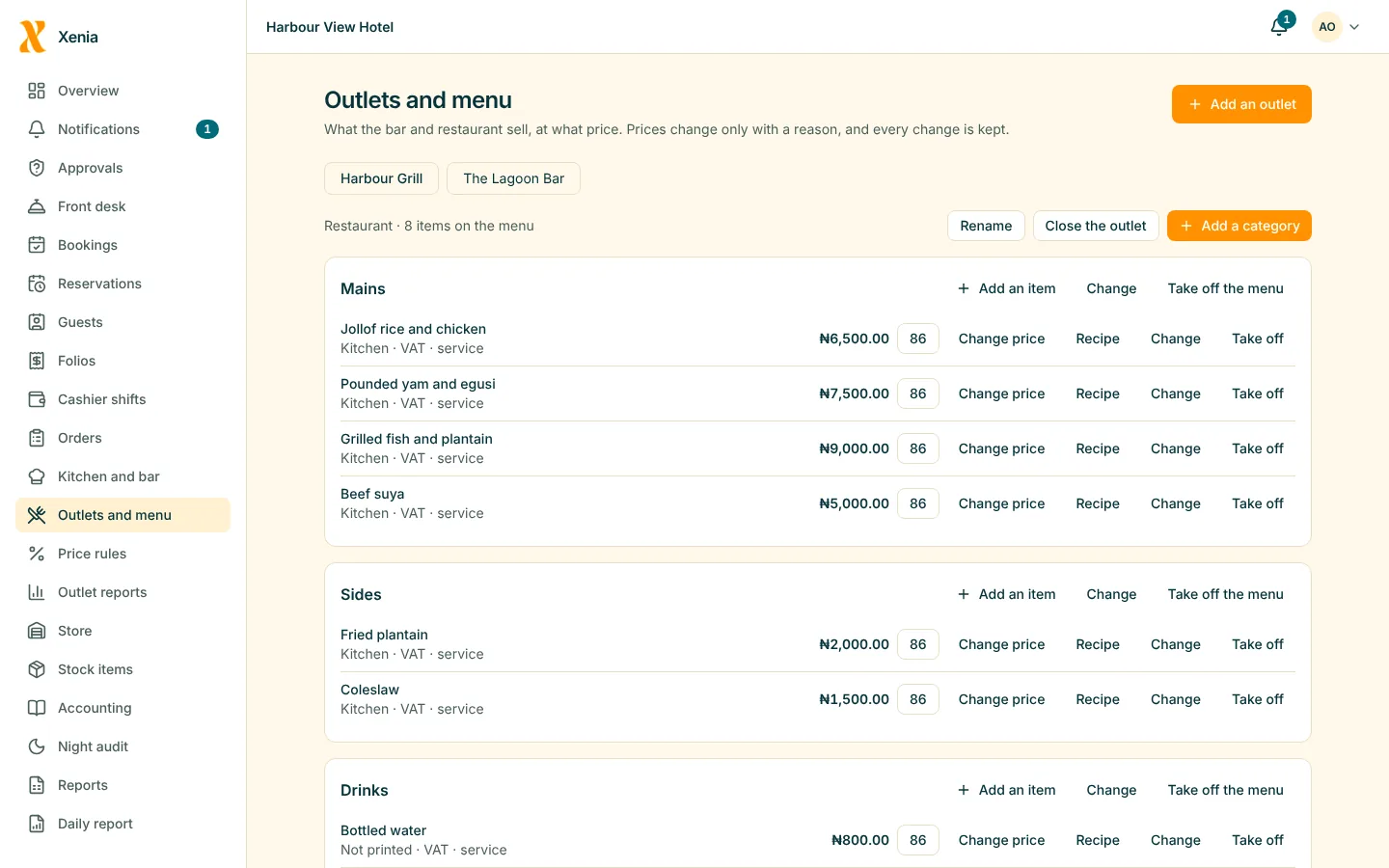
Set up each bar and restaurant with its own menu, prices and tax.
- Categories and items, each with a price, tax and where its ticket prints
- Mark an item unavailable when it runs out
POS: bar and restaurant
Take orders at the table, send them to the kitchen or the bar, and settle by cash, card, transfer or onto a guest's room bill. The stock follows every sale.
Set up each bar and restaurant with its own menu, prices and tax.
Open a tab or a table, add items with notes, and split the bill when guests want to.
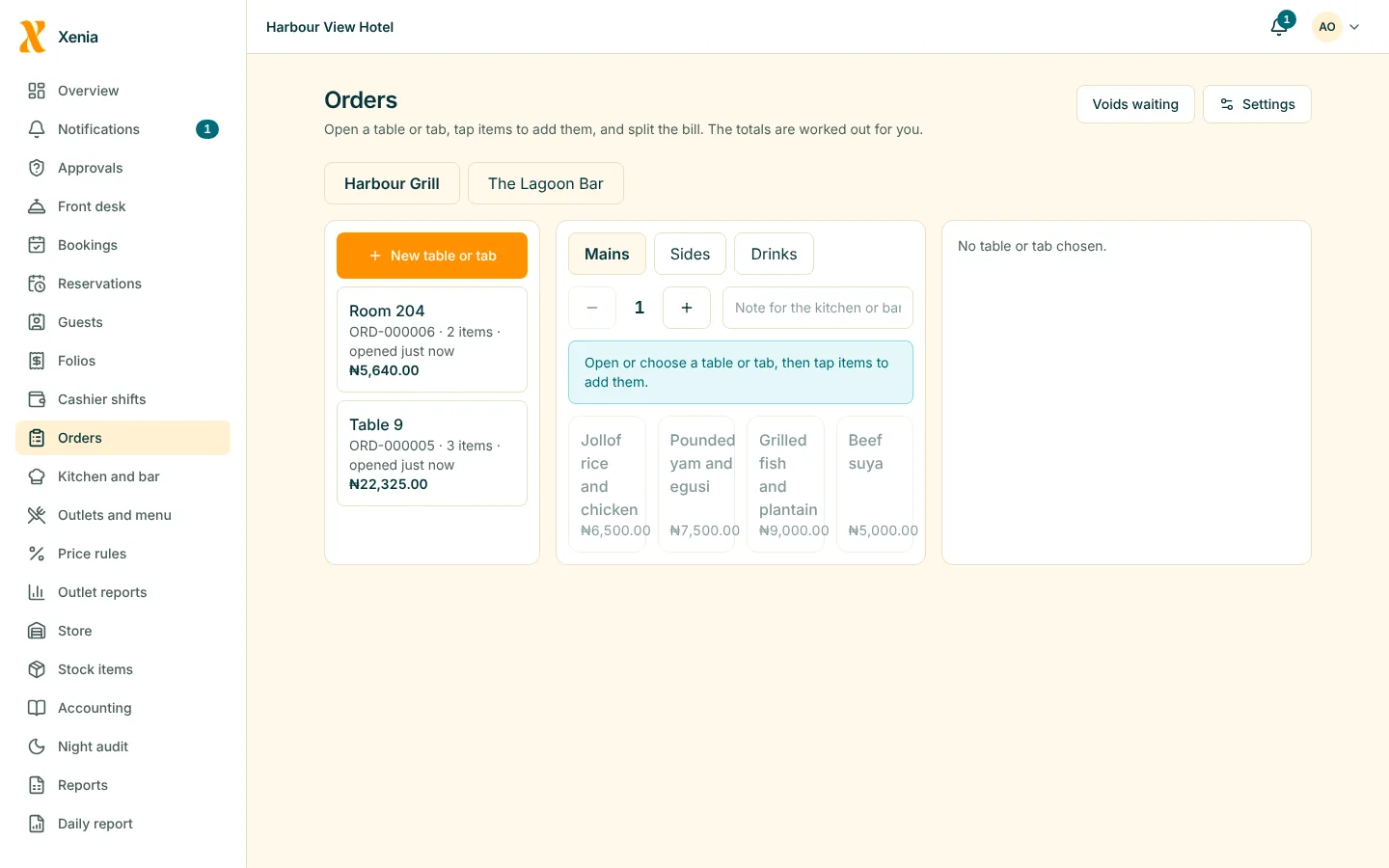
Settle at the table or put it on an in-house guest's bill.
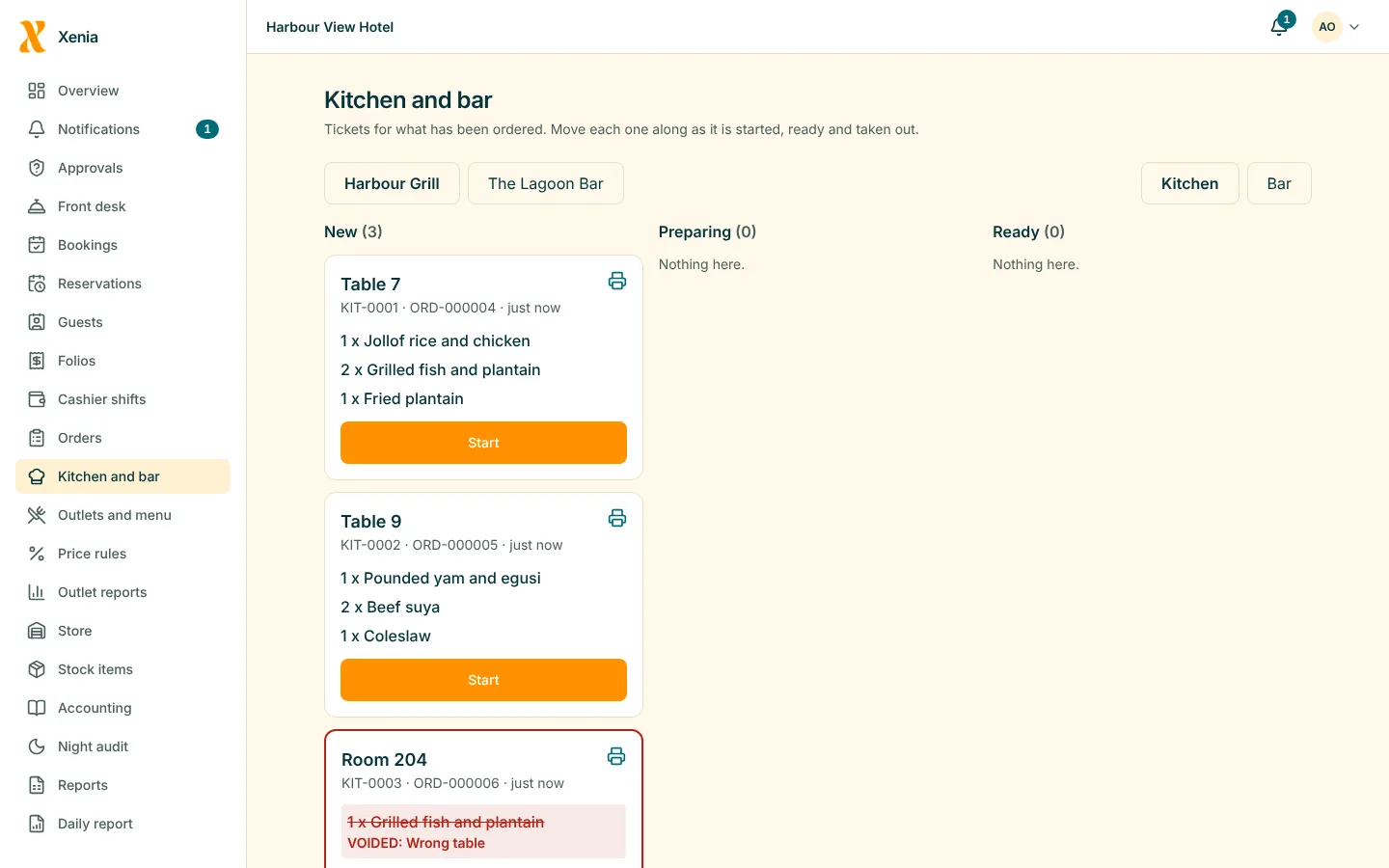
Each station sees its own tickets and marks them done.
Link menu items to stock items and every sale lowers the stock. A void puts it back.
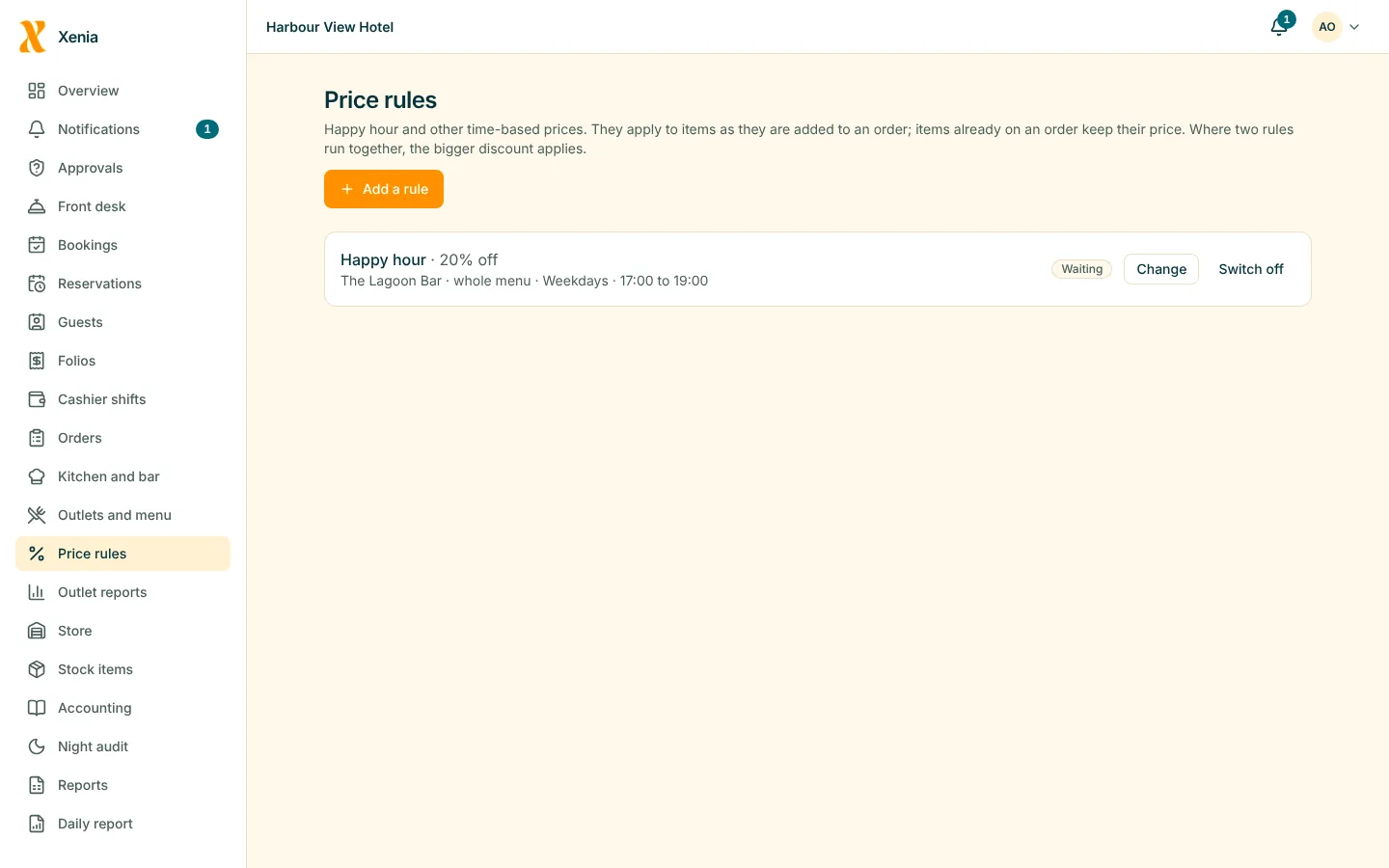
Add a service charge for an outlet, run happy-hour prices by time of day, and set a limit on staff discounts.
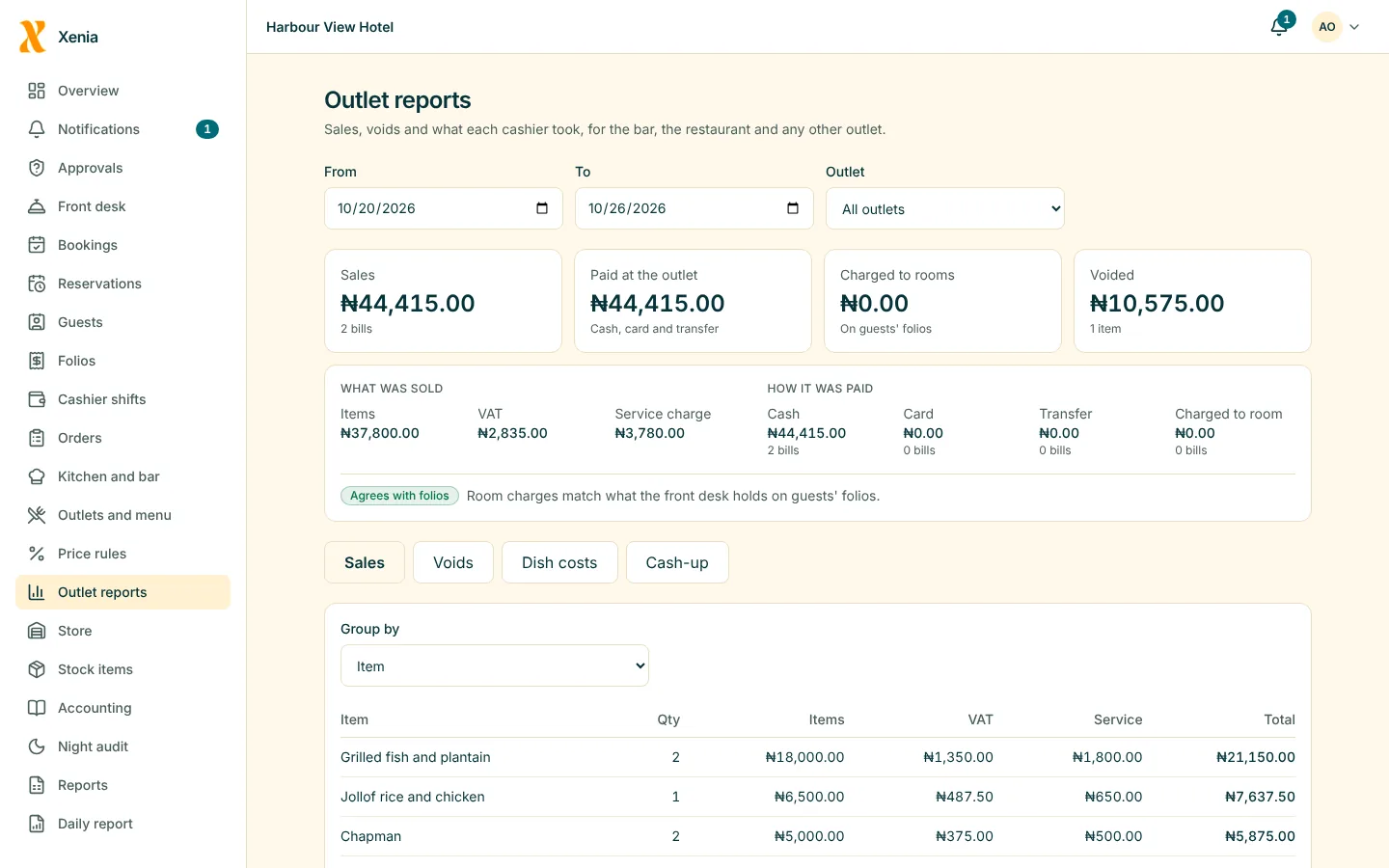
See sales by item, category, staff and hour, with voids, discounts and complimentary items listed.

The order is taken at the table and lands on the right bill.
Picture for illustration. It does not show a Xenia customer.
Questions
Yes, if their role allows it and the guest is in the house. The charge lands on the room's bill straight away.
Yes. Voiding an item puts its stock back, and the void is recorded with who did it and why.
Yes. Each outlet has its own menu, prices, tickets and reports.
Works with
Start free for 14 days with no card. Add your rooms, invite your staff, and watch the money in one place.