
Items and units
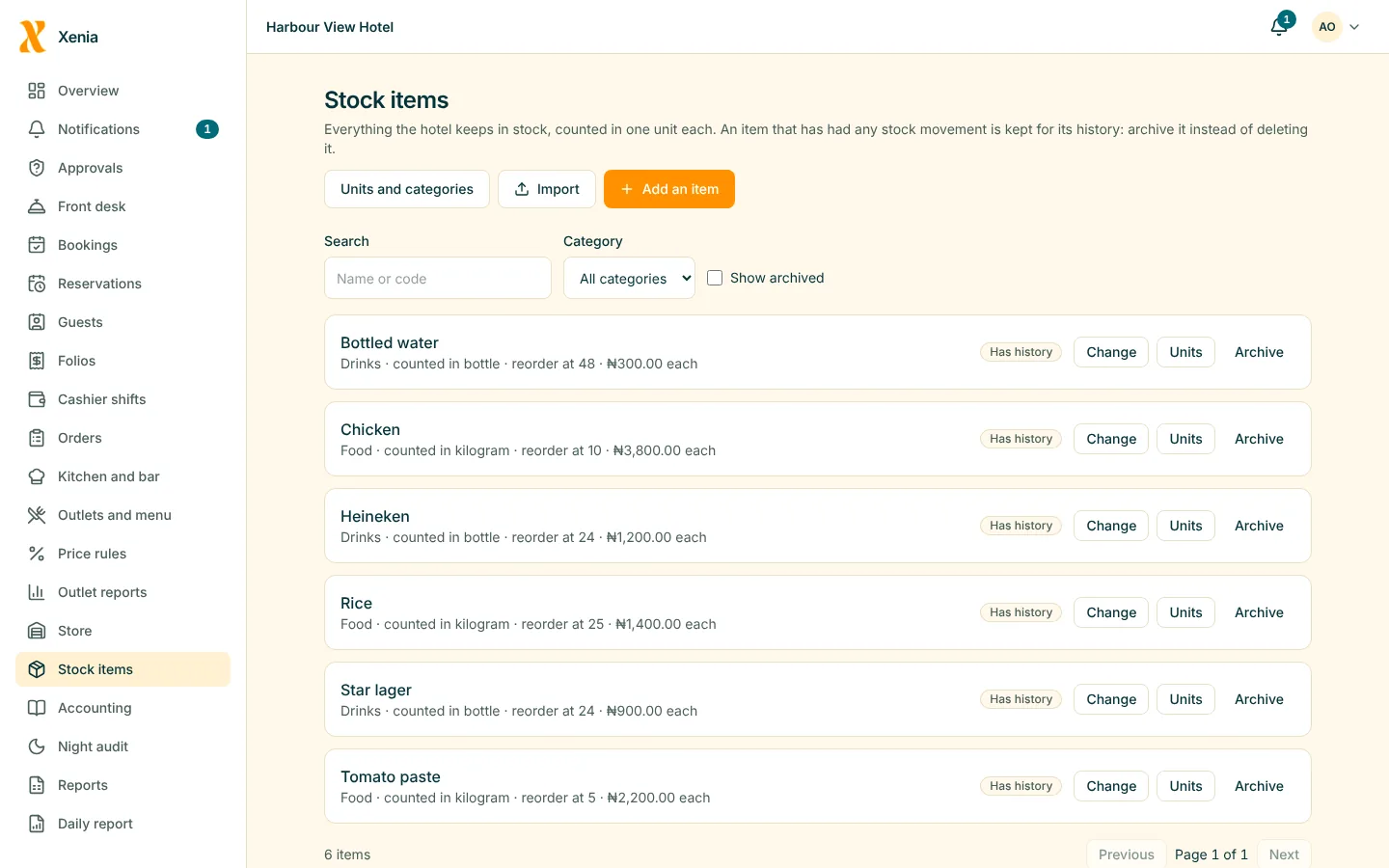
Keep items with their units, categories, reorder levels and cost, and convert between units such as a crate and a bottle.
- Import items from a CSV file
Inventory and store
Know what is in each store, what came in, what went out and who moved it. Shortages are measured against what you sold.
Keep items with their units, categories, reorder levels and cost, and convert between units such as a crate and a bottle.
Receive stock from a supplier with its cost, issue to an outlet on a requisition, and transfer between stores.
Raise a purchase order, receive against it and see what you owe each supplier, which flows into the books.
Count a store in a session, see the variance, and adjust with a reason. Large adjustments need approval.
Get a low-stock alert when an item reaches its reorder level, see what the stock is worth, and find items that are not moving.
When what the sales imply you used differs from what you counted by more than your threshold, Xenia tells you. A wastage log records what was thrown away, why, and who approved it.

Count what is on the shelf. Xenia shows what the sales say should be there.
Picture for illustration. It does not show a Xenia customer.
Questions
From sales and recipes, Xenia knows how much of an item should have been used. It compares that with what you counted, and flags a difference above your limit.
Yes. Stock is held per store, and a transfer moves it from one to another, with a record.
Start free for 14 days with no card. Add your rooms, invite your staff, and watch the money in one place.