
For hotel groups
Xenia for owners with more than one hotel
Each hotel keeps its own rooms, staff and books. You see them together, and switch between them in one tap.
In practice
How an owner of several hotels works with Xenia
Morning
See every hotel's headline figures
Switch between your hotels, and read reports across all of them in one place.
Owner reports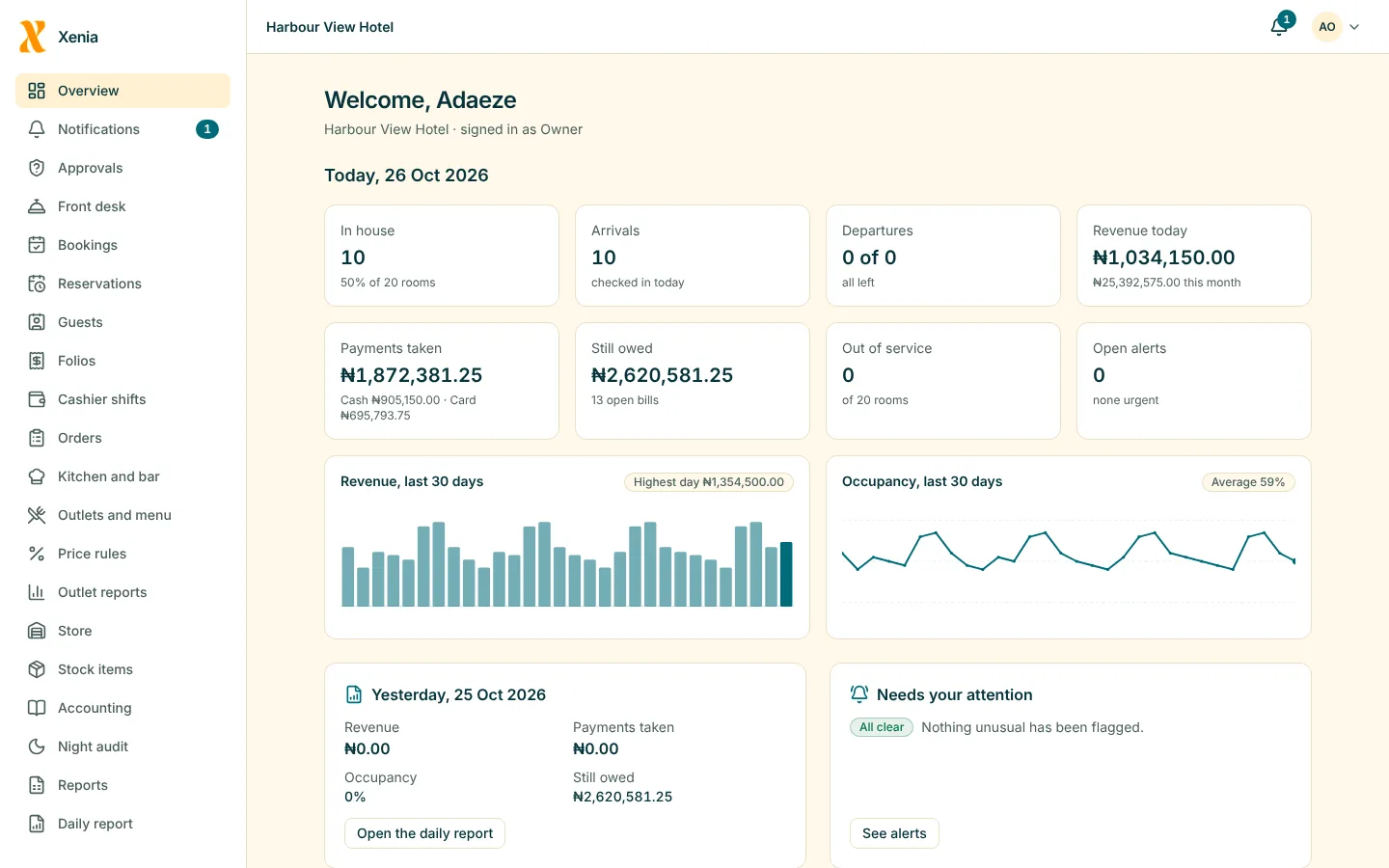
During the day
Approve from wherever you are
A void or an override at any hotel arrives on your phone with the reason attached. Approve or refuse from where you are.
Loss preventionAs it happens
Hear about anything unusual
Alerts from each hotel reach you by notification, and by email for the more serious ones.
Loss prevention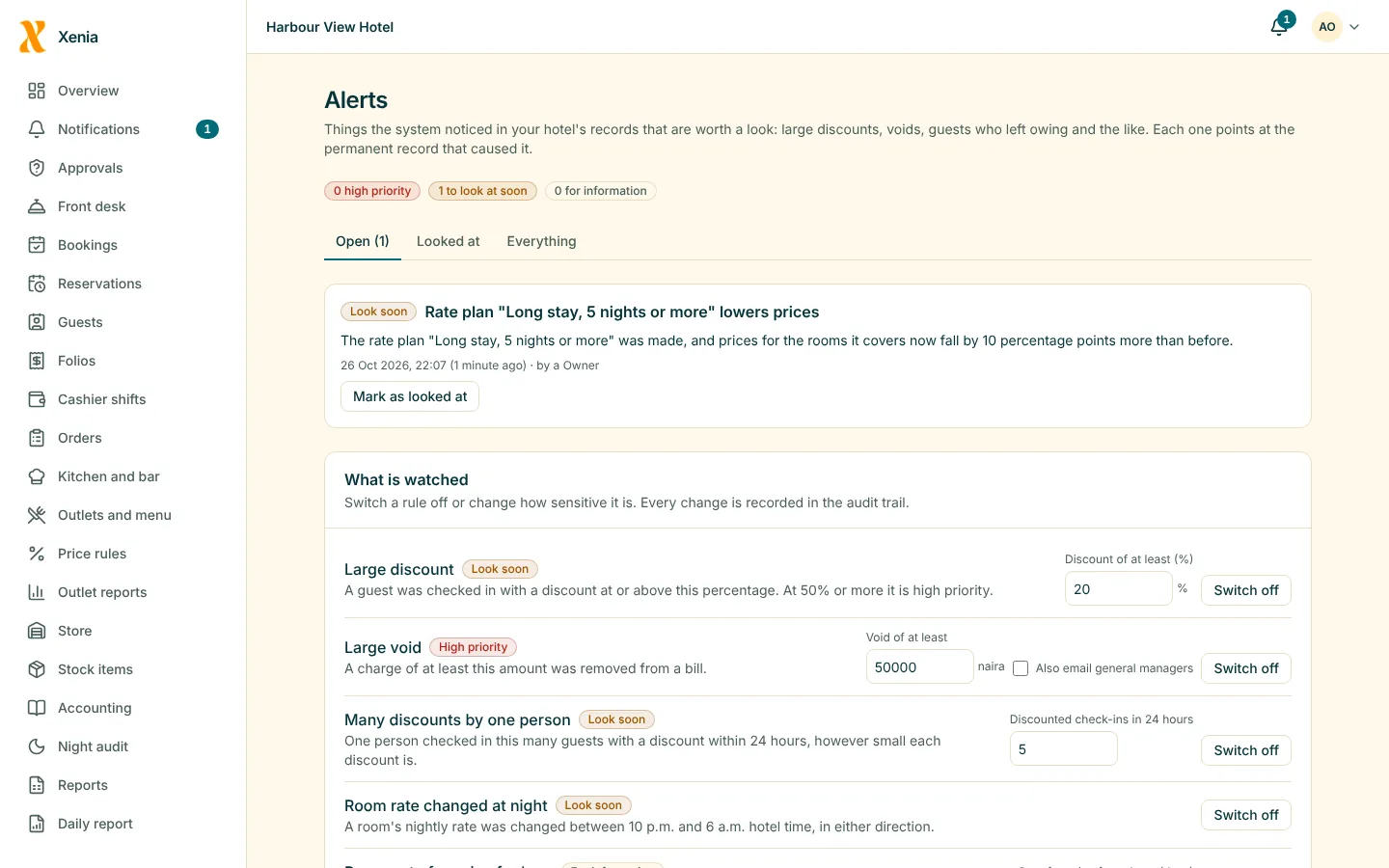
Each week
Compare hotels and their staff
Reports for each hotel, and an activity page for each staff member showing what they handled.
Owner reports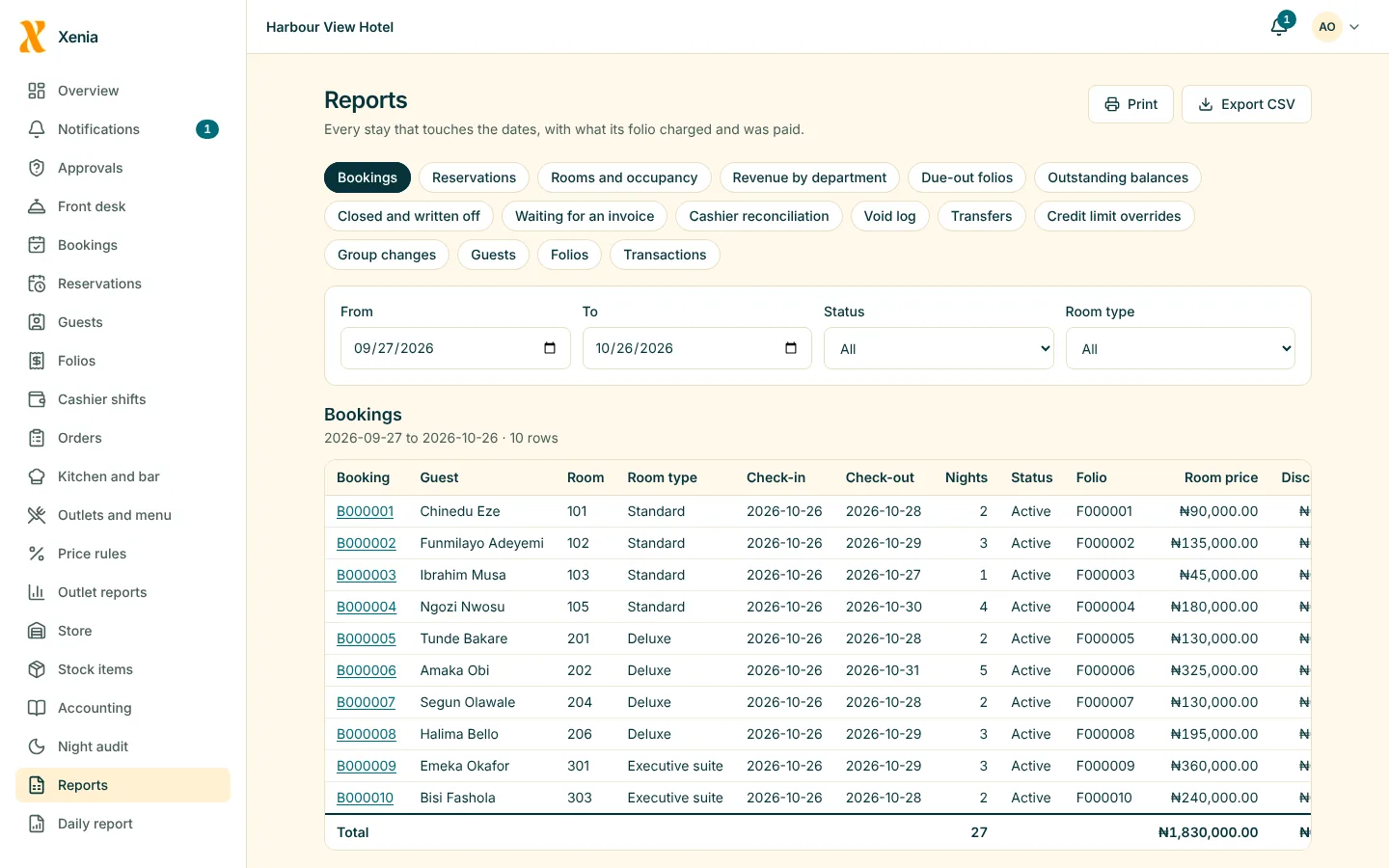
What matters most
What you get
One login, every hotel
Create a hotel for each property and switch between them from the top of any page.
Owner reportsEach hotel kept apart
The database itself keeps one hotel's data from another's, and staff see only the hotels they work at.
PlatformReports across the group
Organisation-level reports for the owner, alongside each hotel's own.
Owner reports
More than one hotel is on the Pro plan.
Questions
Good to know
Which plan do I need for several hotels?
The Pro plan, which also includes door locks and more staff accounts. The pricing page shows what it costs for your rooms.
Can my managers see all my hotels?
Only the hotels you give them. Each person is given access to the hotels they work at.
See your own hotel in Xenia
Start free for 14 days with no card. Add your rooms, invite your staff, and watch the money in one place.