
For the front desk
Check guests in fast, with bills that add up
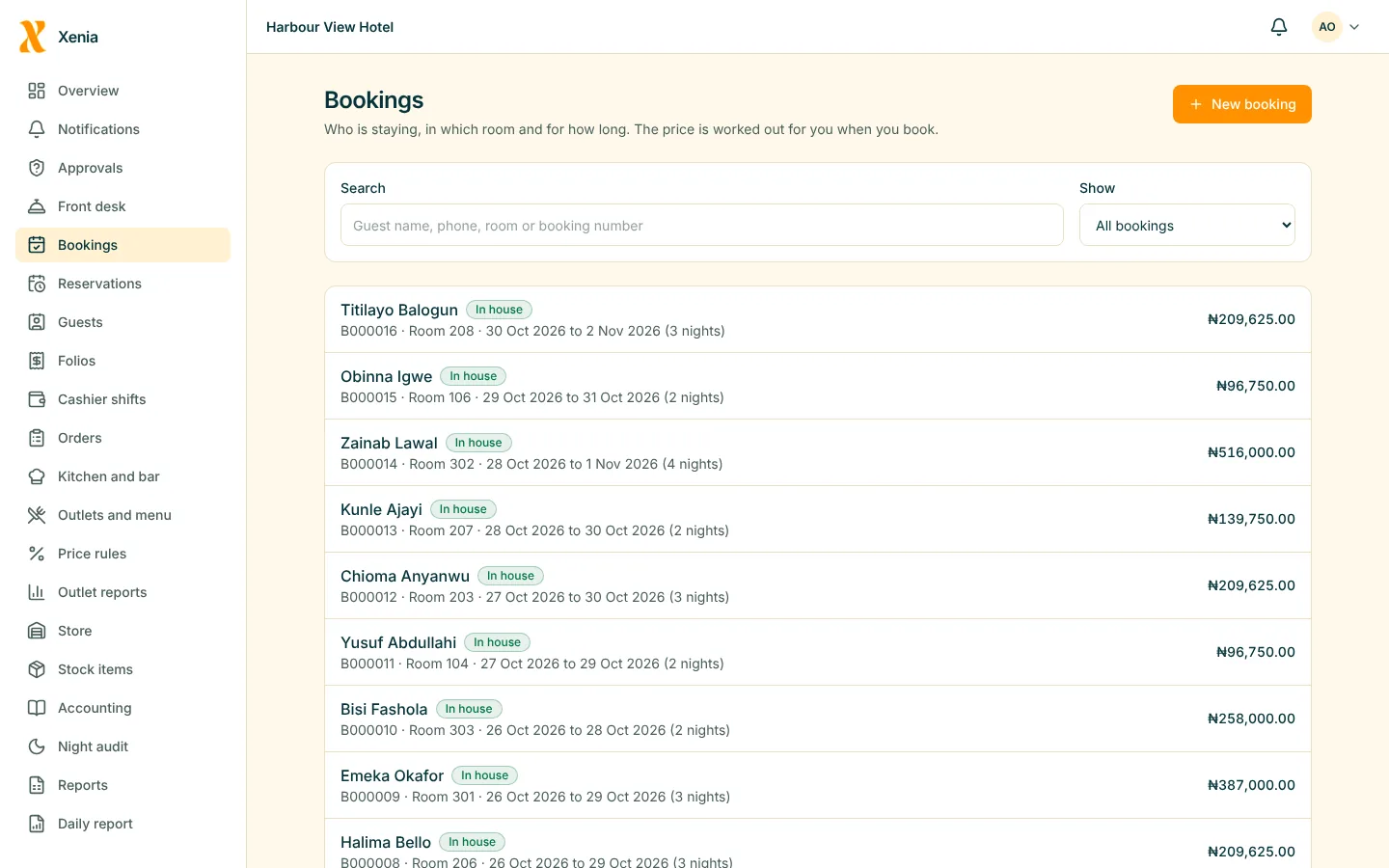
A home screen for the shift: who arrives, who leaves, and a walk-in a few taps away. The bill is right when the guest asks for it.
In practice
A front desk shift with Xenia
Start of shift
Open your shift
Start with the cash in the drawer. Payments you take belong to your shift.
Loss preventionArrivals
Today's arrivals and departures
The home screen lists who is due, who is leaving, and who is in the house.
PMSA walk-in
A booking in a minute
Choose a room, enter the guest and take them in. The key card is issued from the same screen.
PMSDuring the stay
Change, extend, charge
Move a guest to another room, extend a stay, add a charge, take a payment. Each is recorded with your name.
PMS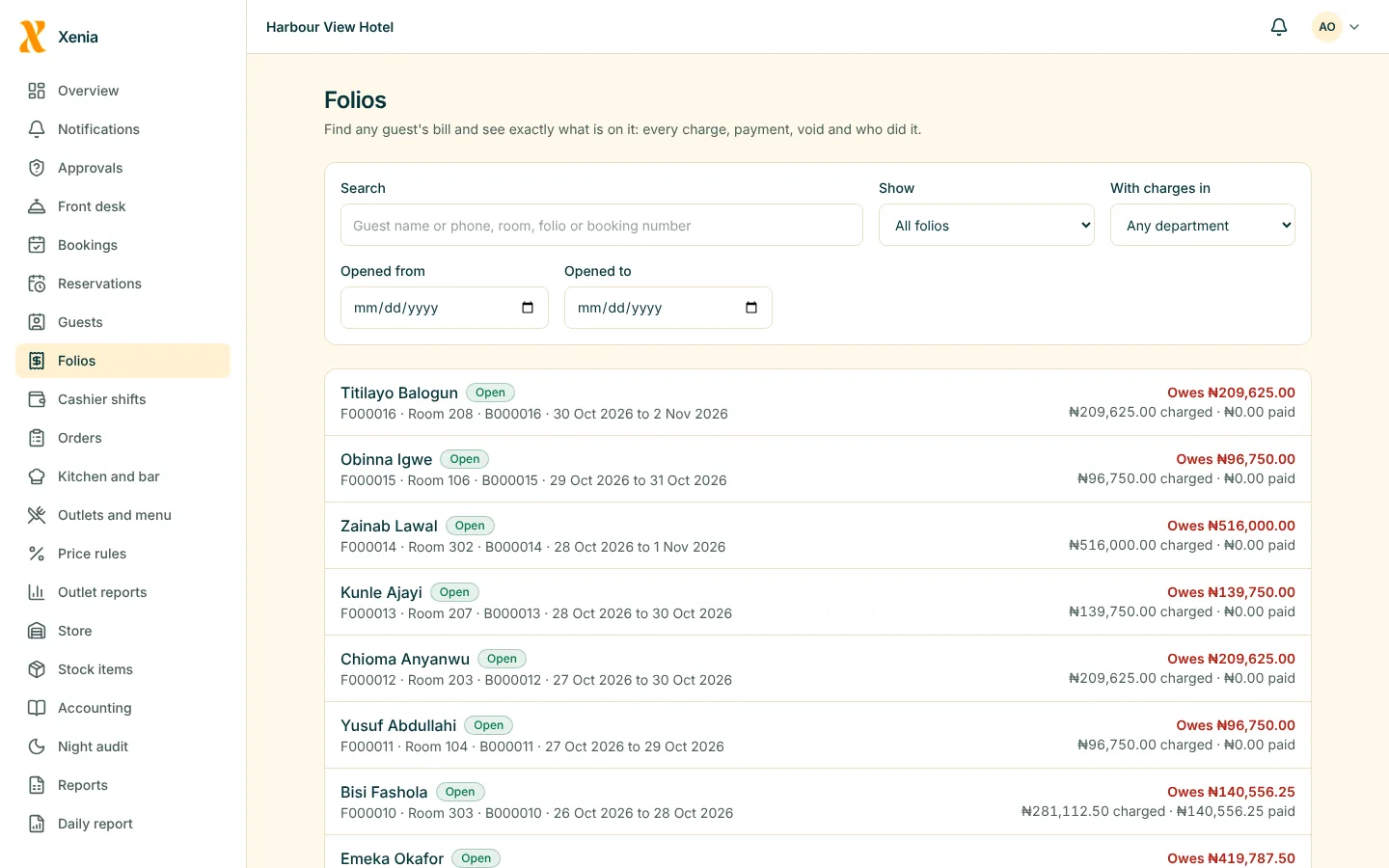
Check-out
A proper receipt
Settle the bill and hand over a receipt or invoice with the hotel's details.
PMS

A calm desk starts with a bill that already adds up.
Picture for illustration. It does not show a Xenia customer.
What matters most
What you get
A guest directory
Find a returning guest, see their stays, and link a booking to them.
PMSFewer mistakes at the bill
Charges from every outlet are already on the folio.
PMSClear limits
If something needs a manager, Xenia asks for one, instead of leaving you to guess.
Loss prevention
Questions
Good to know
Can I do a check-in on my phone?
Yes. The portal is designed for phones and tablets as well as the desk computer.
What if the connection drops?
Xenia tells you plainly that the connection is down, so you do not carry on as though something was saved.
See your own hotel in Xenia
Start free for 14 days with no card. Add your rooms, invite your staff, and watch the money in one place.