
Rate plans
Price weekends and weekdays differently, set seasons by date range, and give long-stay discounts or promo codes.
- Bookings are priced from the plan
- Existing bookings keep the price they were made at
- A rate calendar to see it all at once
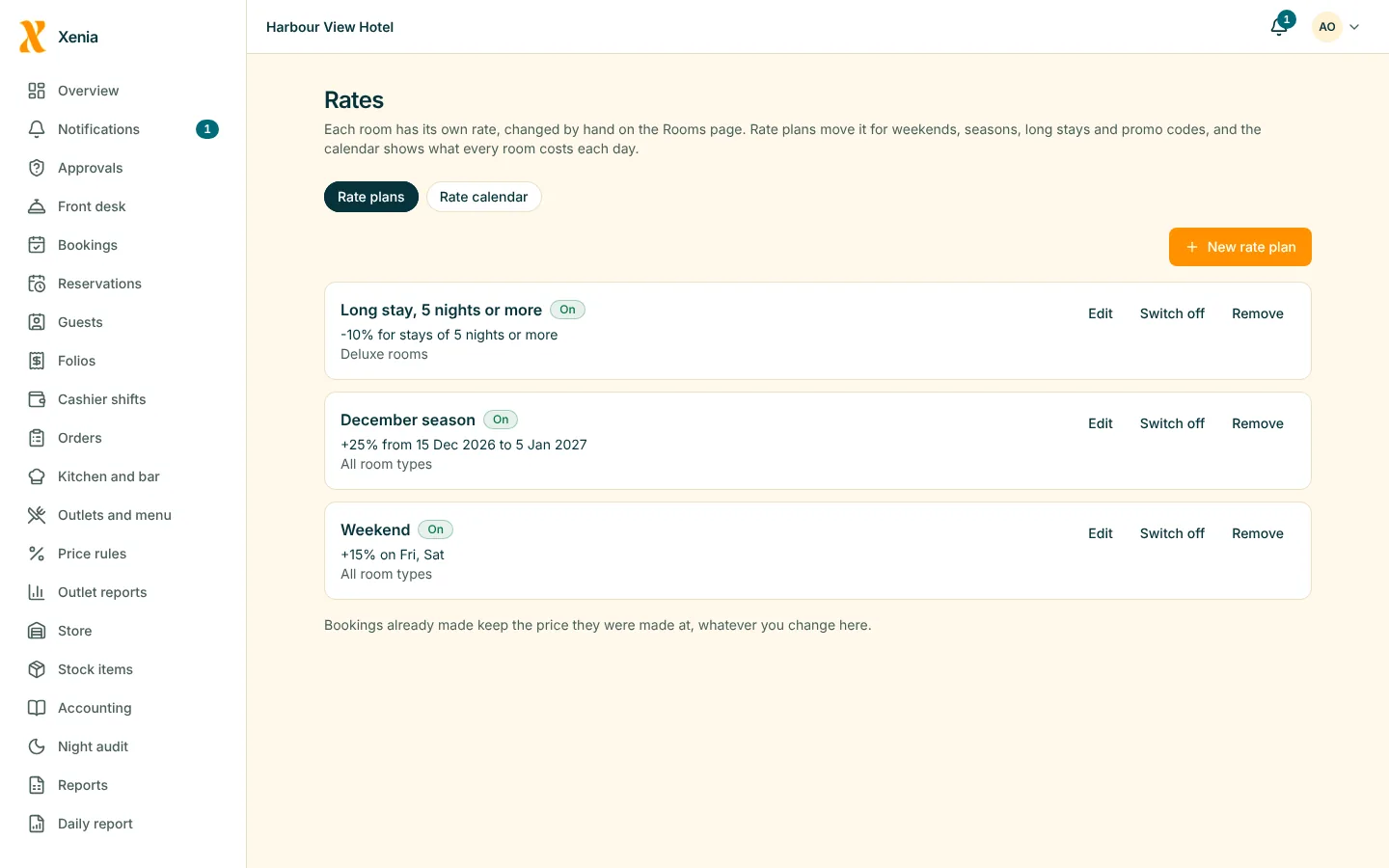
RMS: rates and revenue
Set your rates by day of the week, season and length of stay, and see what the hotel earns. You decide the prices; Xenia applies them correctly and shows you the result.
Price weekends and weekdays differently, set seasons by date range, and give long-stay discounts or promo codes.
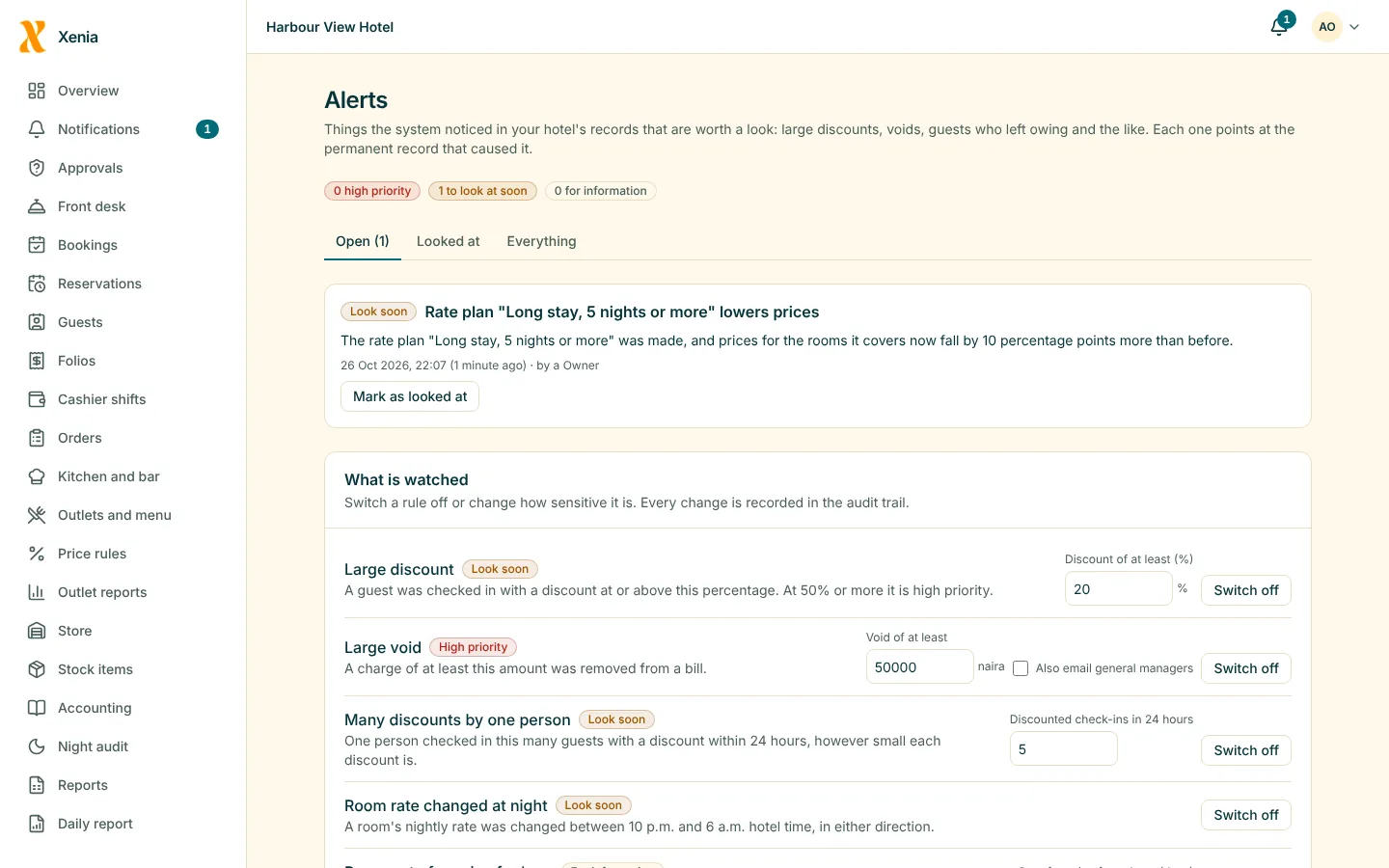
Every change to a rate is recorded, and a change that lowers a price raises an alert. A change made outside business hours is flagged too.
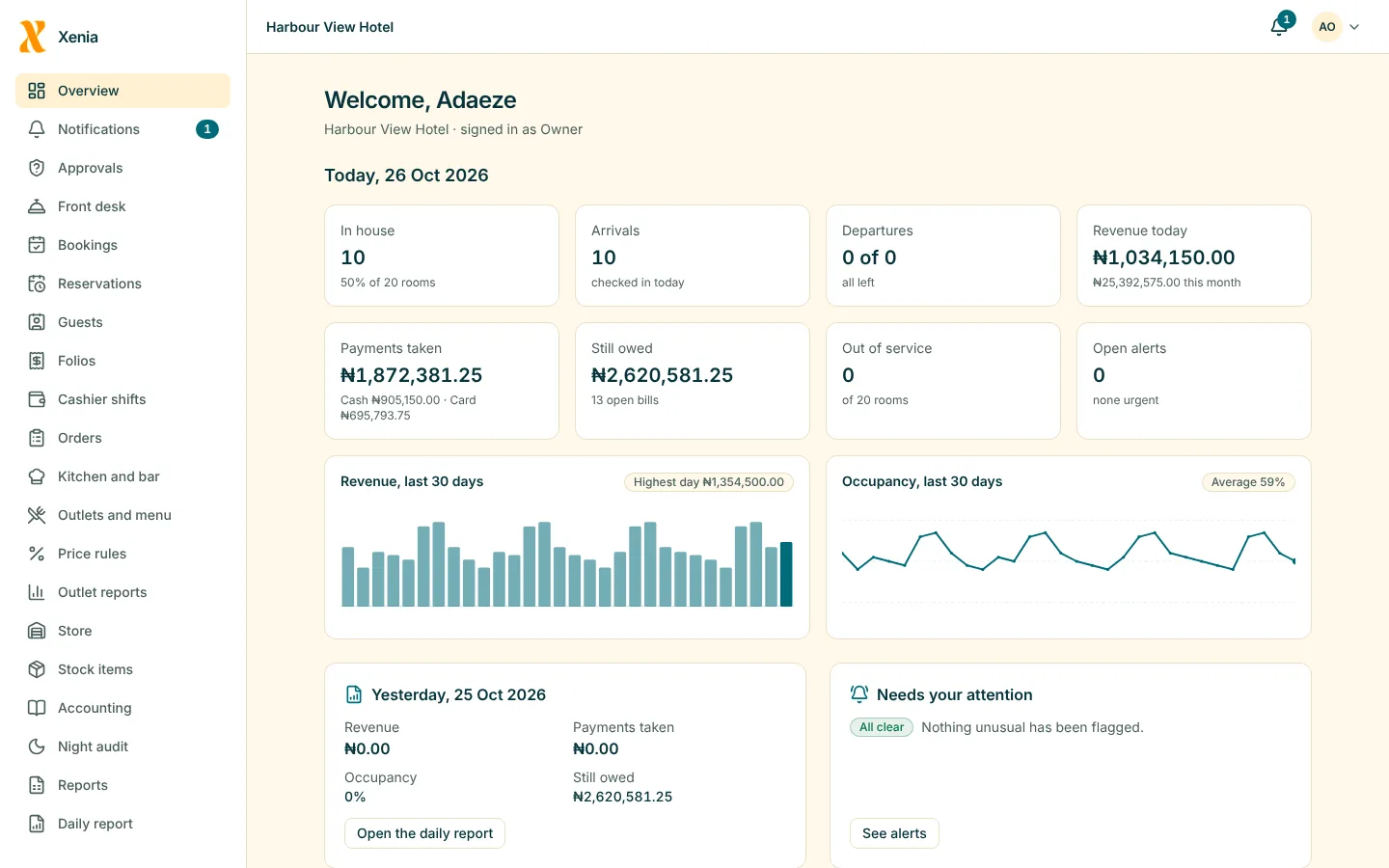
The daily report gives occupancy, the average daily rate and revenue per available room, built from the bills it adds up.
Suggested prices from demand are not built yet. Xenia does not change your prices by itself.
Questions
No. You set the rates and the seasons. Xenia applies them to every booking and shows what they earn. Suggested pricing is planned, not built.
No. A booking keeps the price it was made at.
Yes. Discounts and rate changes are recorded with who made them, and a change that lowers a price alerts the owner.
Start free for 14 days with no card. Add your rooms, invite your staff, and watch the money in one place.