
For bar, kitchen and store
Orders, tickets and stock, without paper
Take the order, see the ticket, and know what is left. The bar, the kitchen and the store work from the same record.
In practice
A shift at the bar, kitchen and store
Before service
Check the menu and the stock
Mark what has run out so nobody sells it, and see what the store has.
POS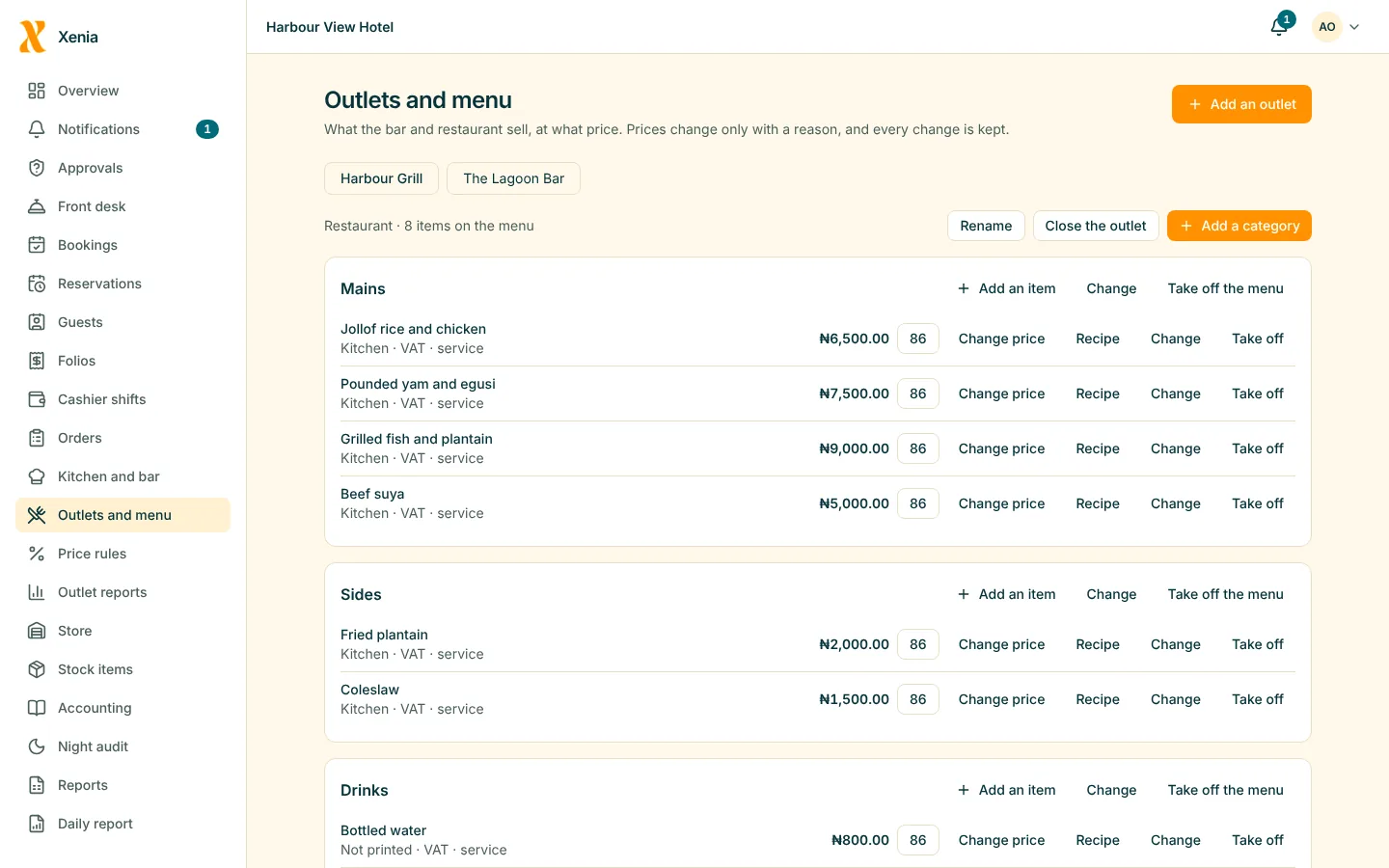
During service
Take orders on a phone
Open a table, add items with notes, and send them to the kitchen or bar.
POS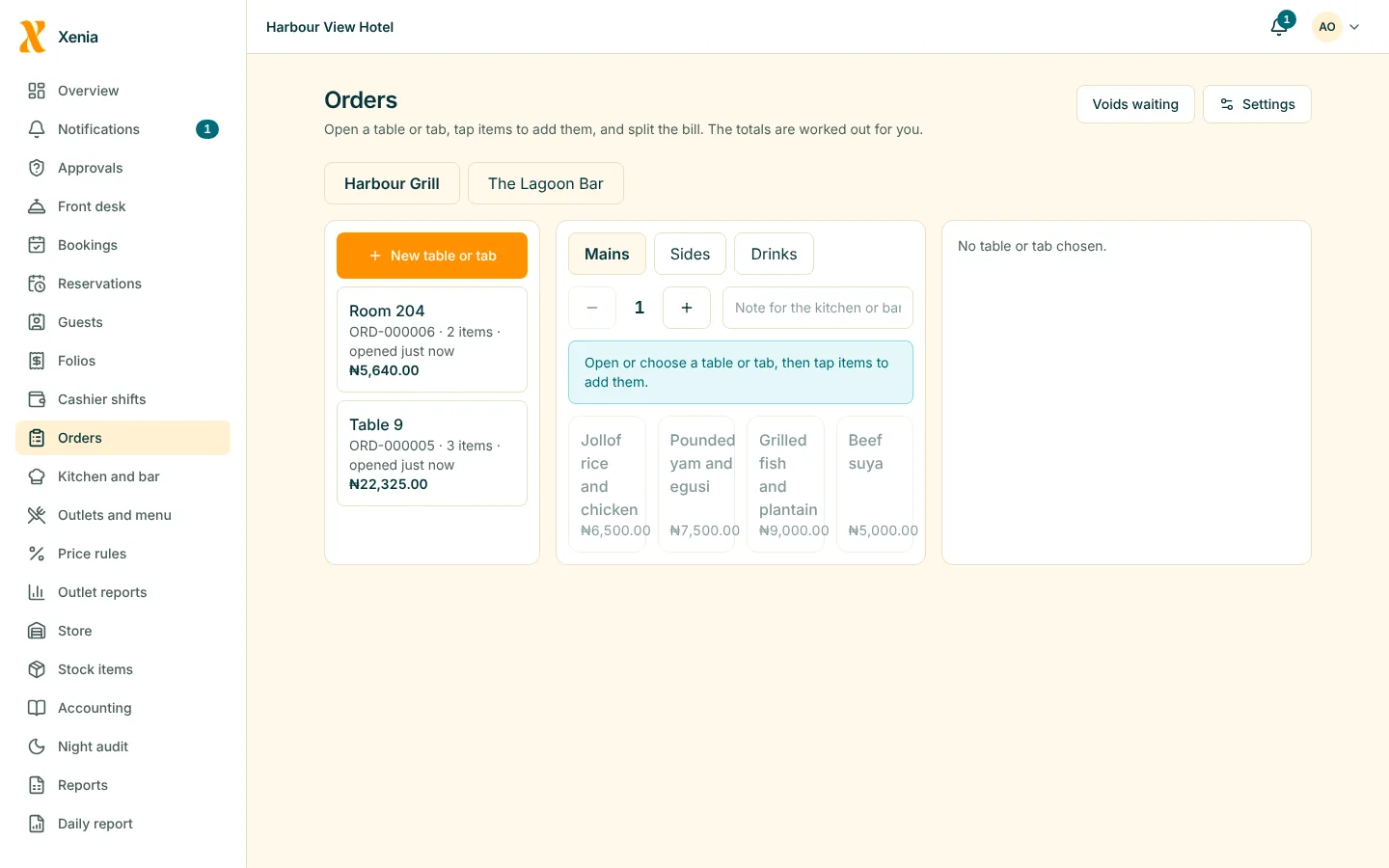
In the kitchen and at the bar
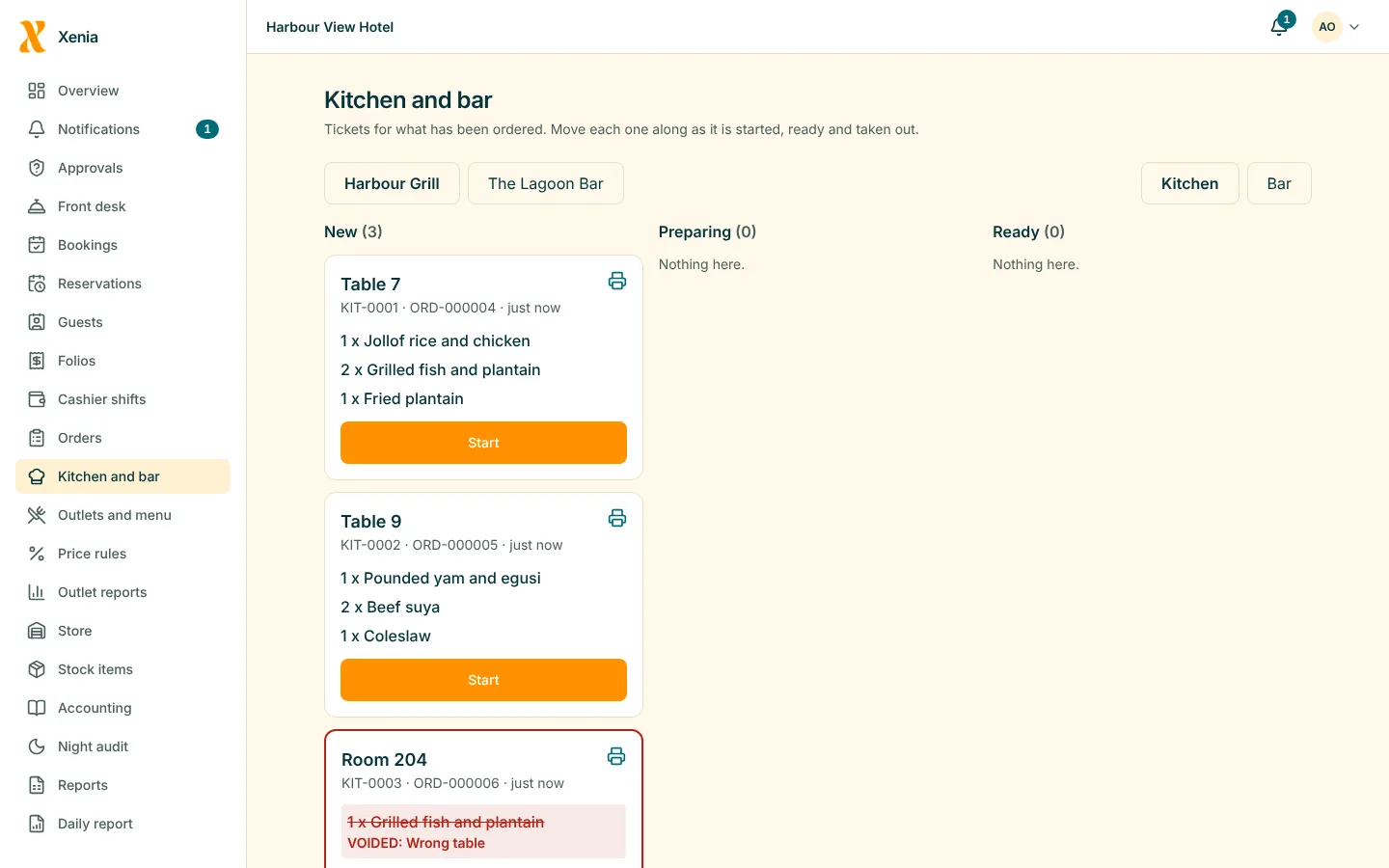
Tickets for your station
See what is new, mark it preparing, ready or served. A voided item shows with a note.
POSIn the store
Receive and issue
Receive a delivery against a purchase order, issue to the bar or kitchen on a requisition, and count at the end.
Inventory and store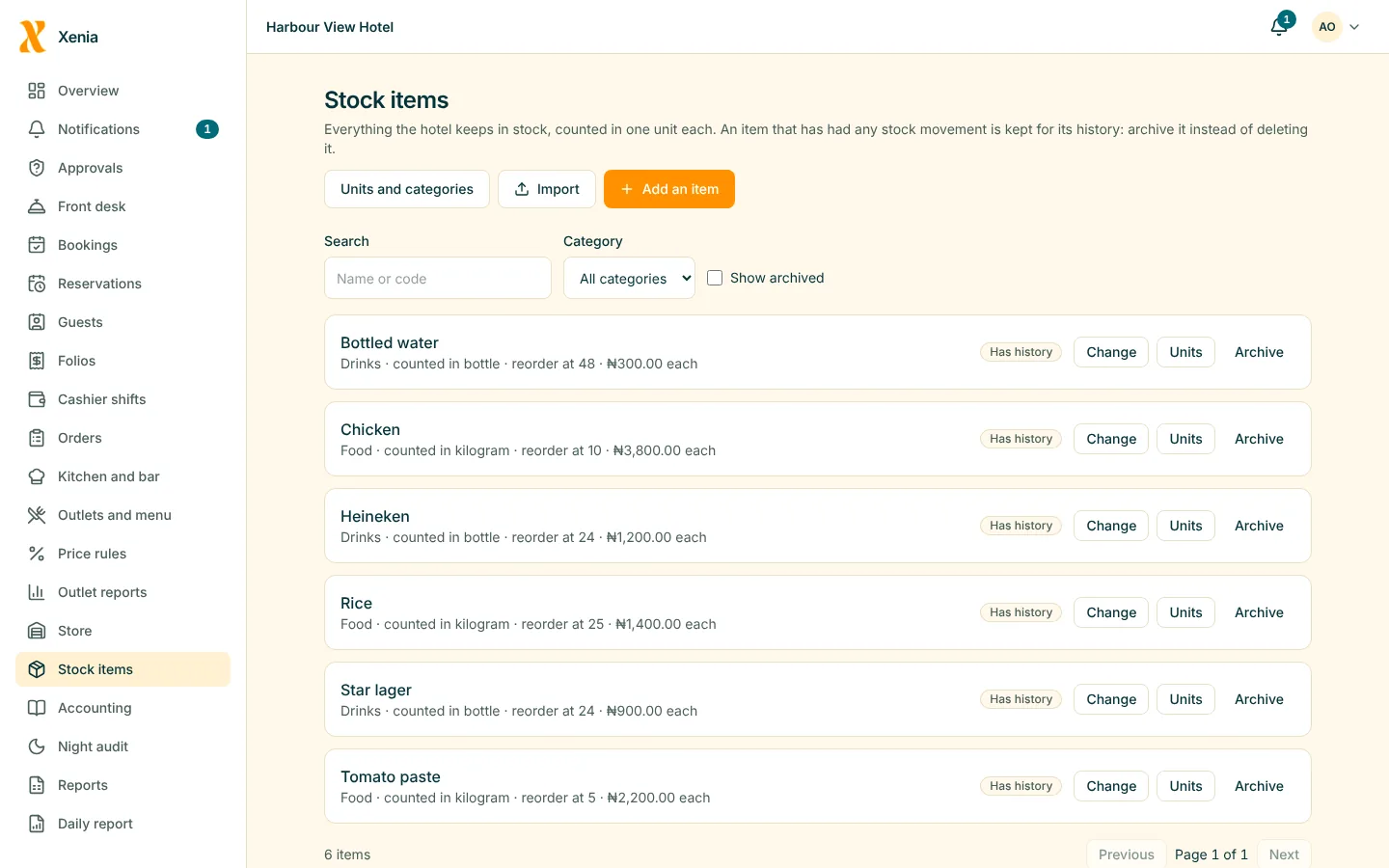
End of day
Log what was wasted
Record wastage with a reason, and have large amounts approved.
Inventory and store
What matters most
What you get
No re-writing
The ticket the kitchen sees is the order the waiter took.
POSStock that follows
Each sale lowers the stock, and a void puts it back.
POSShortages explained
Counts are compared with what the sales say you used.
Inventory and store
Questions
Good to know
Can the kitchen use a tablet instead of a printer?
Yes. Each station has a ticket screen, and tickets can also print on a receipt printer if you prefer.
Who can change prices?
Only people whose role allows it, and a price change needs a reason and is kept in the item's history.
See your own hotel in Xenia
Start free for 14 days with no card. Add your rooms, invite your staff, and watch the money in one place.